Qntrl enables process owners to build enterprise-grade BPMs without IT dependency
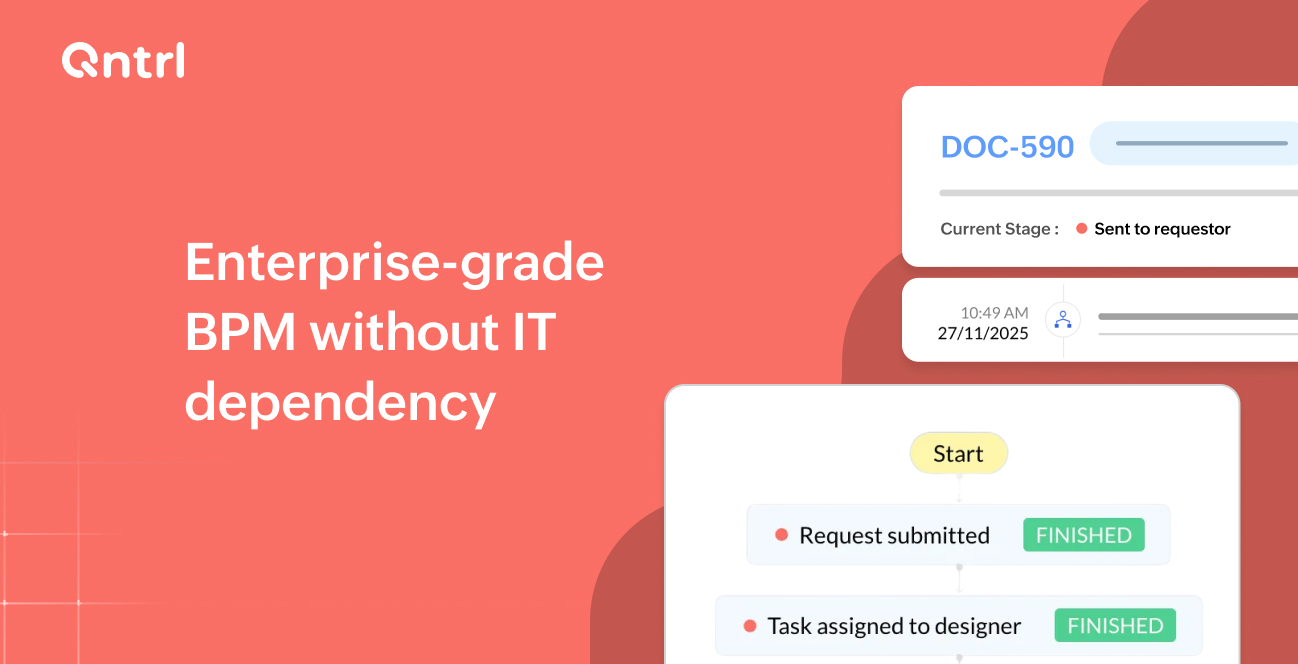
Scaling comes with its complexities: growing teams, deliverables, and process workflows can strain the organization, and improving quality may end up utilizing significant resources. What begins as a straightforward request, such as asking finance for budget approval or onboarding a new vendor, often evolves into a maze of emails, chats, spreadsheets, manual handoffs, and unclear ownership.
When things break, business teams typically turn to the IT department for help. Though this is the ideal solution for major mishaps, if every minor self-healing operation depends on third-party teams, they often face an influx of requests to handle, which compounds over time and creates delays, bottlenecks, and a dependency cycle that slows operations.
Today, process owners want something different. They want the ability to create, manage, and optimize workflows independently, without waiting for IT to build or fix them.
They want automation, structure, and visibility, without needing technical skills. And most importantly, they want their teams to run more smoothly and efficiently, and with fewer mistakes.
Why process owners struggle when workflows depend fully on IT
When business teams rely entirely on IT for workflow design or process fixes, several predictable challenges appear
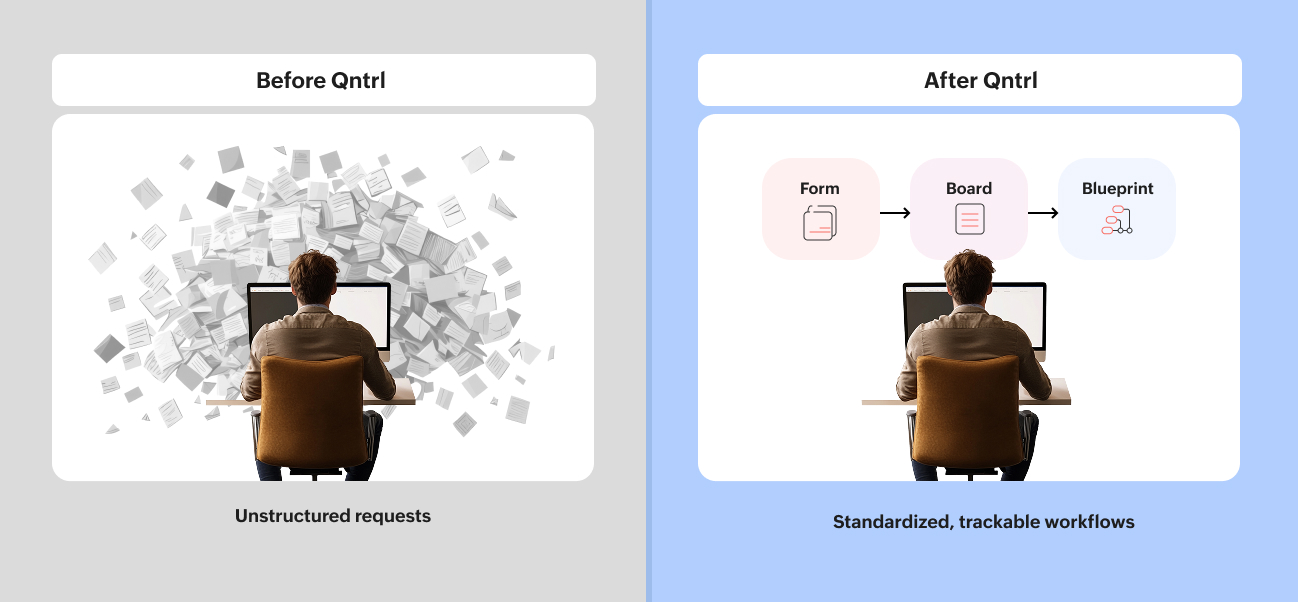
Unstructured requests create confusion
Most work enters the system via email or chat, which often lack the required details. IT or process owners spend hours clarifying information before anything can move forward.
Manual approvals slow things down
Approvals are scattered across multiple tools, and messages often get lost, leaving approvers without the necessary context to make quick decisions.
Lack of visibility makes it hard to track work
Teams can’t easily see what’s pending, who owns a task, or where a request is stuck. Without tracking, deadlines slip, and projects stall.
Every change requires IT resources
Even small process improvements, like adding a field or adjusting an approval rule, need development time. For already-busy IT teams, this means long wait times before updates happen.
No audit trail to meet compliance requirements
When processes aren’t structured, it becomes difficult to determine who approved what, when it was approved, and whether the workflow adhered to the policy.
This is why many organizations are shifting toward BPM platforms that empower process owners directly, while keeping IT in control of security and governance. Qntrl gives both sides the balance they need.
How process owners gain full control
Qntrl’s core BPM capabilities: Forms, boards, and blueprints are designed so business users can create workflows end-to-end without writing code or depending on IT for daily operations.
Let’s break down how each piece works.
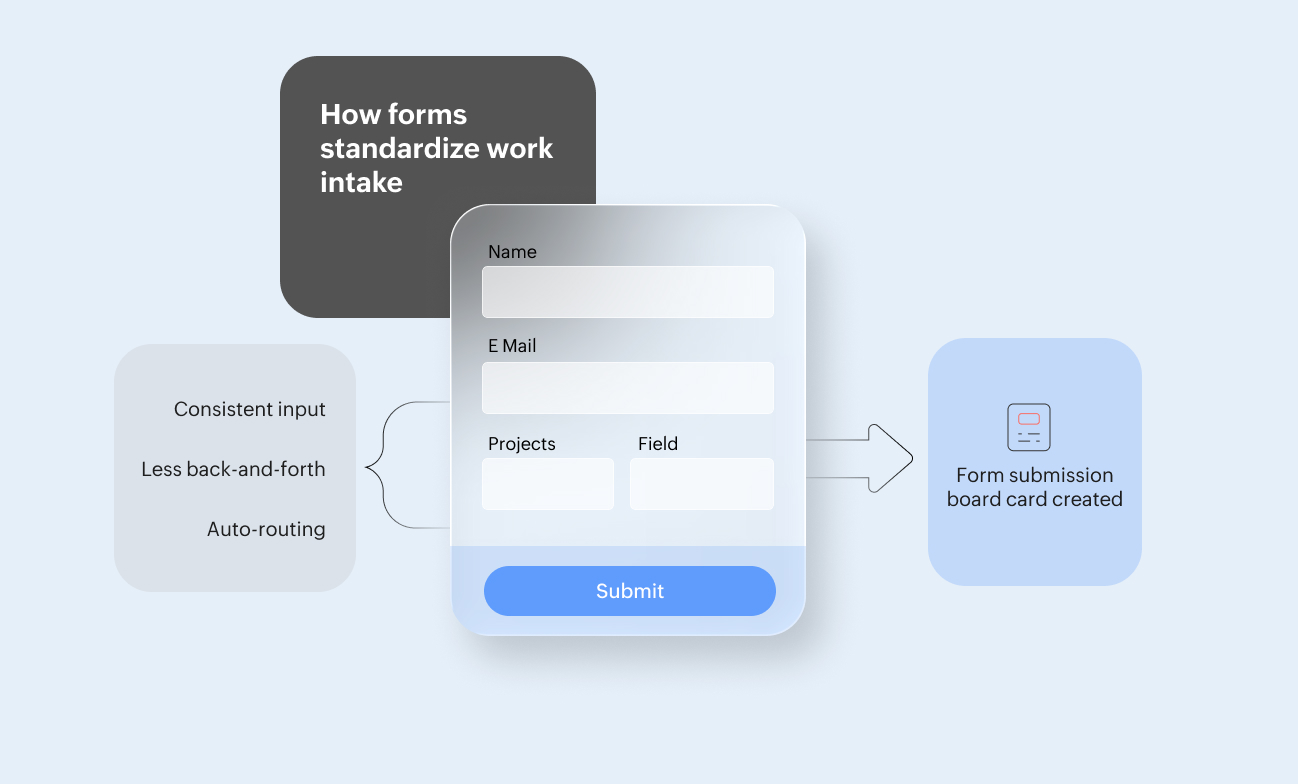
Forms: The structured way to capture work
Every workflow starts with a request. Qntrl’s forms provide businesses with a clear way to capture requests, including all necessary information upfront, thereby reducing back-and-forth communication and eliminating missing details.
What process owners can do using forms:
- Create custom fields
- Add conditional visibility ("show X only if Y is selected")
- Set mandatory information
- Route requests automatically based on form inputs
- Publish forms internally or externally
Ensuring that every workflow begins with accurate and complete information makes downstream work more organized and predictable.
Boards: Clear visibility into every task
Once a request is submitted, Qntrl places it on a board. Boards provide teams with a visual view of how work progresses through stages, similar to a digital kanban system, but with process logic and governance built in.
Boards help process owners:
- See every request in one place
- Track what’s pending, in progress, or completed
- Assign owners for each step
- Use filters and custom views
- Standardize how a workflow behaves
Whether it’s procurement, onboarding, or vendor approvals, teams can instantly understand where things stand.
Blueprints: The engine that governs the workflow
Blueprints outline the sequence of steps that a process follows from start to finish. They act as the rulebook for the workflow, ensuring that work progresses in the right direction, with the correct approvals, at the appropriate time.
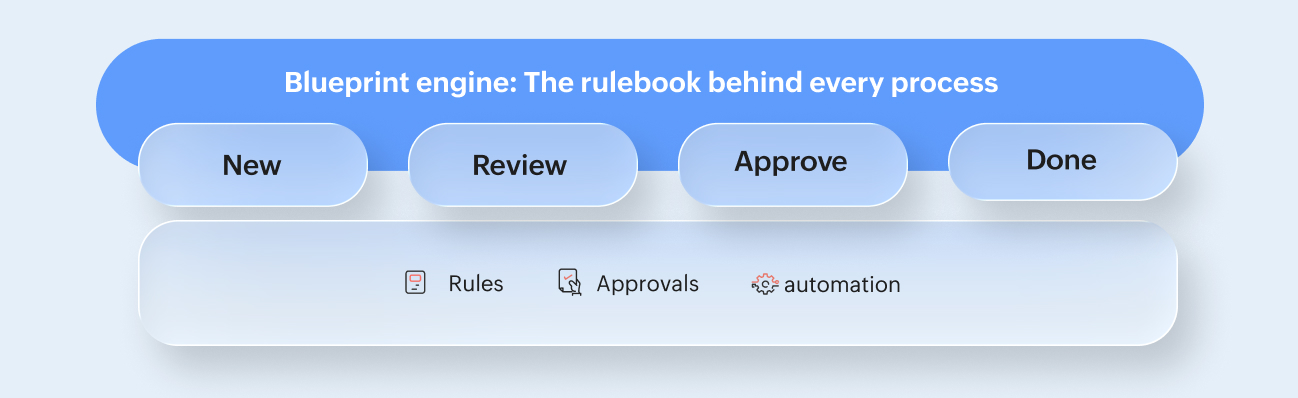
Blueprints help process owners:
- Map out each stage of the process
- Set conditions for moving to the next stage
- Define who can approve or act at each step
- Automate assignments, notifications, or validations
- Trigger IT actions or integrations where needed
- Maintain audit logs for every transition
This makes processes predictable, auditable, and scalable.
Instead of relying on IT to write scripts or manage the workflow behind the scenes, process owners can design the entire process visually using a drag-and-drop builder.
Scenarios where business teams use Qntrl
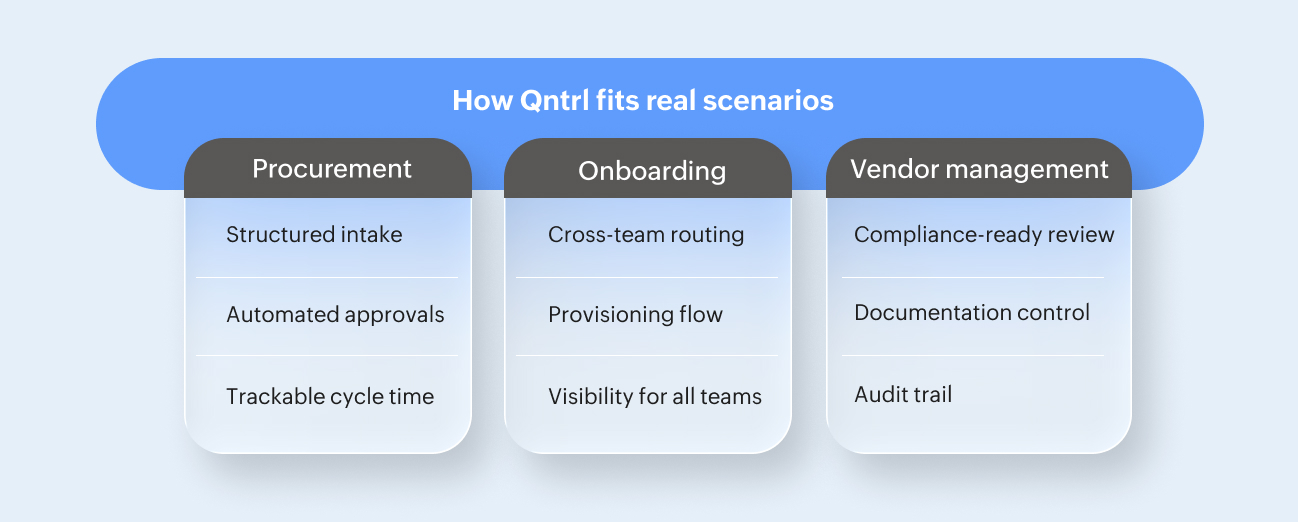
These are some everyday processes where Qntrl gives business teams full ownership while enabling enterprise governance.
Procurement workflows
Procurement teams often handle multiple requests from different departments. Without structure, approvals are delayed, vendor details are lost, and financial controls are weakened.
With Qntrl:
- Departments submit structured purchase requests via forms
- Boards show pending, approved, and completed purchases
- Blueprints manage approval chains based on amount, department, or vendor
- Finance receives complete data with no manual follow-ups
As a result, the entire procurement cycle becomes transparent and compliant.
Employee onboarding
HR teams handle onboarding across multiple stakeholders: IT, facilities, payroll, and more. Manual coordination leads to delays and poor employee experience.
With Qntrl:
- Managers submit a hiring form with required details
- Cards move across HR, IT, and facilities automatically based on rules
- Blueprints handle provisioning steps and approvals
- Every task is tracked end-to-end
New hires enter the organization smoothly, without the usual back-and-forth.
Vendor management
Evaluating vendors, collecting documents, performing compliance checks, and managing renewals can quickly become chaotic.
With Qntrl:
- Vendor submissions come through standardized forms
- Review stages are defined in blueprints
- Approvals route automatically based on internal policies
- Boards provide a full audit trail and renewal visibility
Compliance becomes easier, and teams gain more control.
Departmental workflows
Teams like marketing, finance, legal, and operations use Qntrl for daily processes such as:
- Campaign approvals
- Contract review
- Budget requests
- Content approval
- Policy updates
- Quality checks
The platform adapts to both simple and complex workflows, providing teams with structure without slowing them down.
The outcome: Enterprise-grade BPM without IT dependency
With Qntrl, process owners gain full autonomy to design and run their workflows without coding, IT dependencies, or long turnaround times.
Processes become standardized and repeatable, reducing chaos, errors, and delays. Teams get complete visibility into where work stands at any moment, supported by strong governance and auditability, with every action, decision, and approval automatically logged.
And because Qntrl enables collaboration between business and IT, where IT oversees governance while business teams manage daily operations, it becomes a powerful foundation for enterprise environments, helping teams move quickly while still meeting IT and compliance requirements.
Ready to build your first workflow?
You can design and deploy your first structured process in minutes: No coding, no complex setup.
Build your first workflow with Qntrl today. Book a demo.

Enjoying your reading?
Enjoy organization and visibility too!
Qntrl can help you organise, control and improve production and projects in your team.